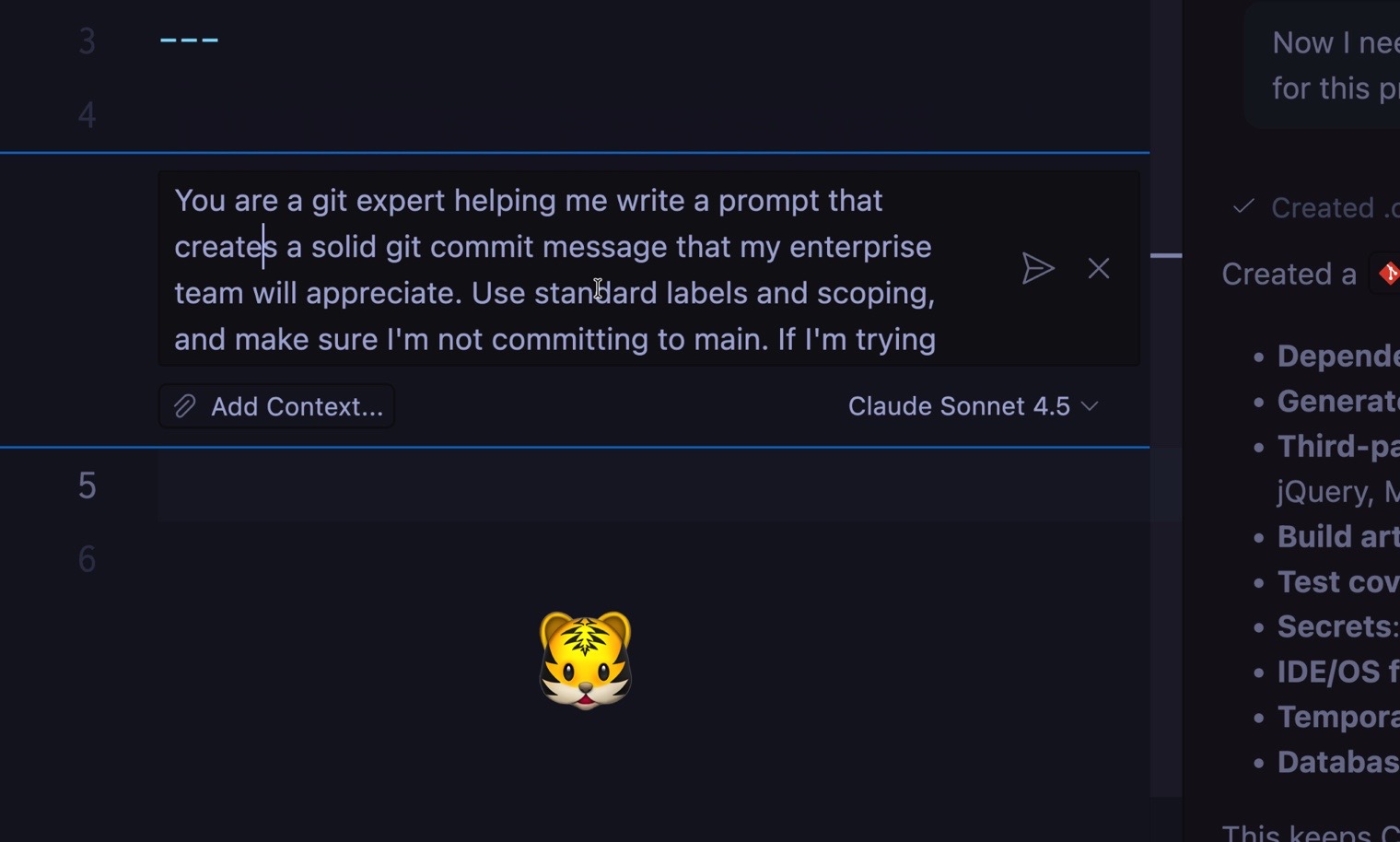
Using the built-in tooling for VS Code is fine when it comes to working with Git, but we can also take advantage of Copilot's more advanced features, creating a customized prompt that will do the work for us.
Generating the Prompt
Play around with the prompt as you like, or get started with mine:
You are a Git expert helping me write a prompt that creates a solid Git commit message that my entire enterprise team will appreciate. Use standard labels and scoping and make sure I'm not committing to <span class="hljs-code">`main`</span>. If I'm trying to do that, suggest a branch name, ask me to confirm, then create the branch. Ask me to confirm the message, then add all files and run the commit.