A Map for a Codebase Nobody's Touched in Two Years
A complete course for developers who are serious about making AI part of how they actually work.
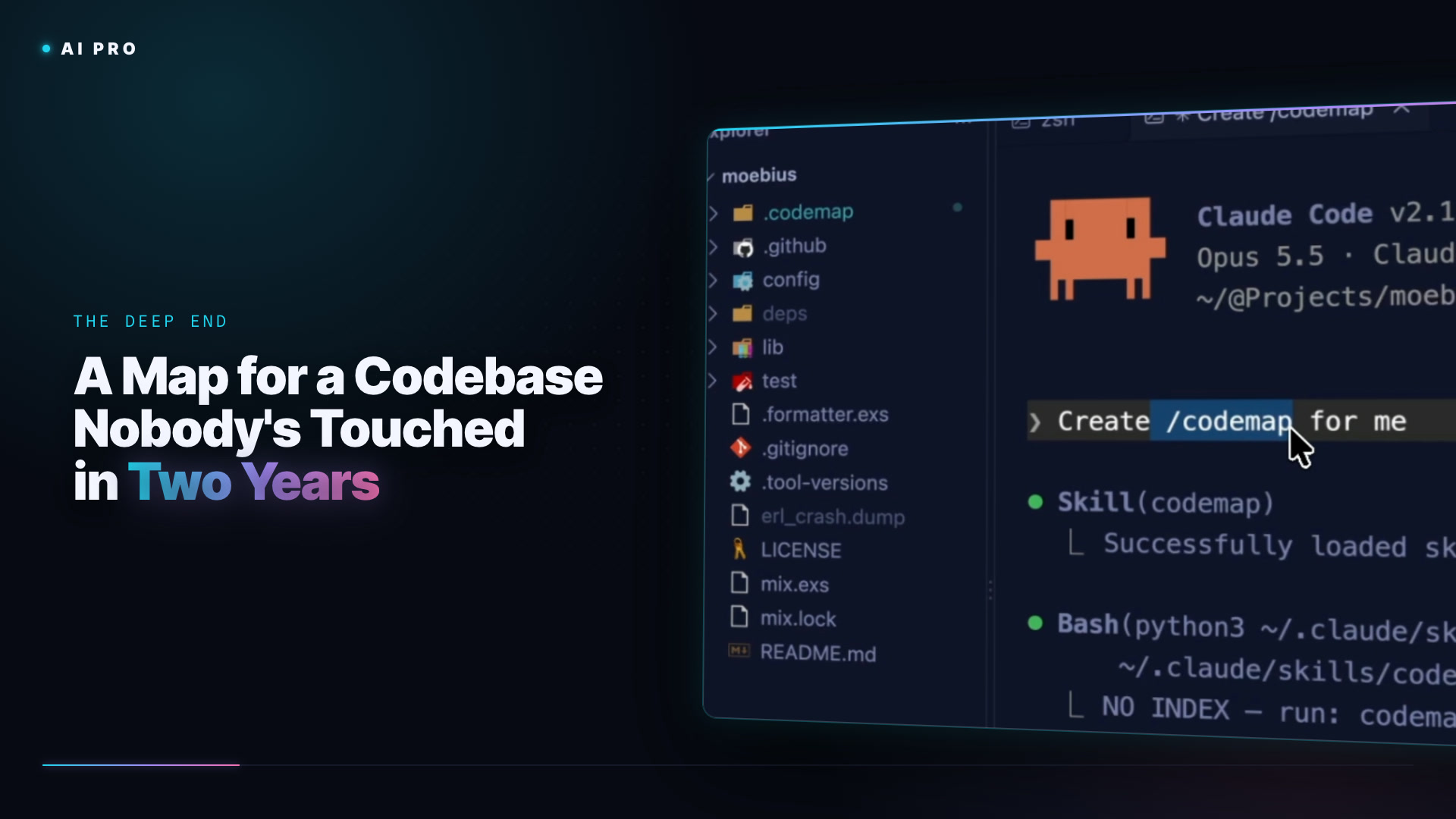
I know Moebius doesn't run on my current Elixir, so before I change anything I need to understand what I have. The old way was to read the tests. The faster way is a code map, a formalized description of the codebase made for AI to read. You can build one with Repomix (a node module that produces one big XML file), with Graphify (a graph of your code that does log n traversal instead of walking every file), or, as I do here, with the built-in codemap skill in Claude Code. I'm on the Opus 5.5 model and the Claude Max plan; you want at least Pro for the work in this course.
The command I type is a stored command, a slash command Claude Code understands, the same mechanism that lets you switch models or invoke skills. The grammar is terrible and it doesn't matter.
/codemap Create codemap for me
It writes a directory full of files: a map, recipes (stored prompts that work against the map), a glossary, an import statement. Yes, Claude Code just dumped files into my project with no permission prompts, and yes, that feels like a security problem. We'll talk about it a lot. The short version is that I am letting go of a great deal of control, on purpose, and that's what working with AI takes. I've been doing this for two plus years, back to Copilot at Microsoft, and these tools can blow up in your face unless you bring some discipline. That discipline is most of this course.
Then I dictate the next prompt with Wispr Flow, which turns my voice into text and tidies it up. Structured prompts used to be necessary; now the models parse intent out of a wall of text, so I just riff.
I need to understand what this code base does. I'm coming back to it from many years of being away, too. In fact, I know it's really out of date. I have created a code map that I'd like you to use. And my goal here today is to update it and upgrade it. Create a CLAUDE.md file for me with some quick summary information of what this library is and does. And then create a project.md file for me in the root that has a brief, terse, but detailed explanation of what this project is, how it works, and what needs to happen to upgrade it.
If this feels too fast, sit tight. This module is entertainment more than instruction. Next up we read what it found and act on it.
A complete course for developers who are serious about making AI part of how they actually work.