Commands: Old School, Still Handy
A complete course for developers who are serious about making AI part of how they actually work.
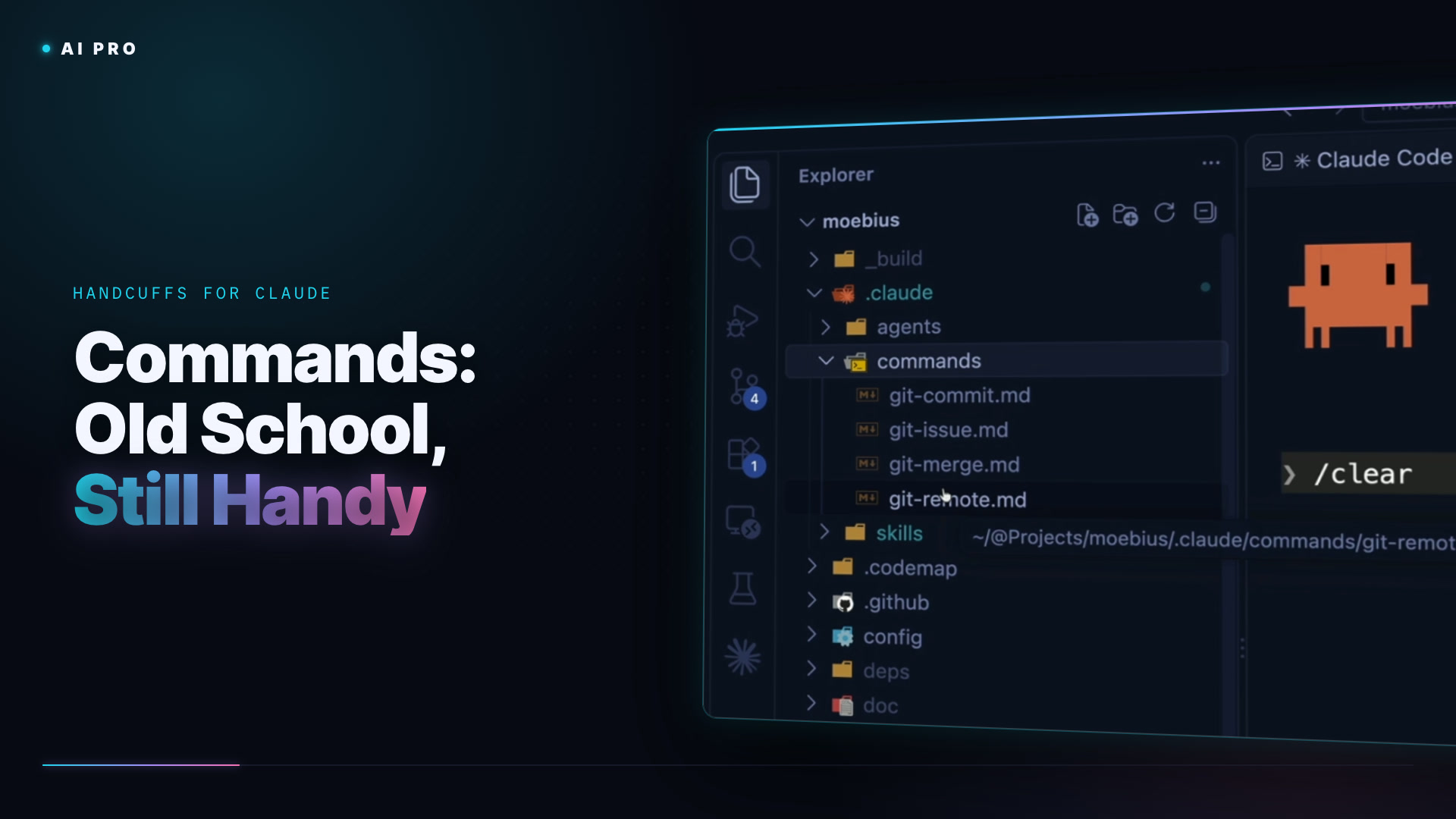
A lot of people will tell you commands are old school, that skills replaced them six months ago and you should move on. Maybe. I still like them, and this short lesson shows you why. The commands in Moebius are all git: git-commit, git-issue, git-merge and git-remote. They're one-off prompts I was typing constantly, so I wrote them down once. Type a slash in Claude Code and they're all there at your fingertips.
The thing a command has that a skill doesn't is a model of its own. A skill runs on whatever model the session is using; a command says model: sonnet at the top of the file and that's what it gets. For a commit message, Sonnet is fine, Haiku is fine, and when you start doing orchestration later and running this thing a dozen times an hour, that adds up. Beyond that it's the same deal as a skill: Markdown instructions. Mine say to create a clean, well-described commit, tag Claude Code in the message, and make sure there are no secrets in the diff. git-remote is my favourite: it uses the GitHub CLI to create the remote repository, works out the name from the directory or package.json, sets it up and pushes.
The only thing I type in this one is the command itself, after the skills work from the last lesson, with no summary or scope added:
/git-commit
Use a command when you need a simple prompt run, when you want to pin the model, or when you want to force a skill to be used ("refactor an interface and always use my interface design skill"). If you're issuing the same prompt over and over, make it a command. They don't load just in time; you trigger them yourself, and that's the whole difference.
A complete course for developers who are serious about making AI part of how they actually work.