Get a Journal (Please Don't Skip This)
A complete course for developers who are serious about making AI part of how they actually work.
Trust me on this one and please don't skip it: you need a journal before we go any further. Make it digital, because you're going to be capturing prompts and ideas constantly, and later on you'll be using those prompts and ideas as a kind of operating system for how you work. What you want is a place where you enjoy working with Markdown documents.
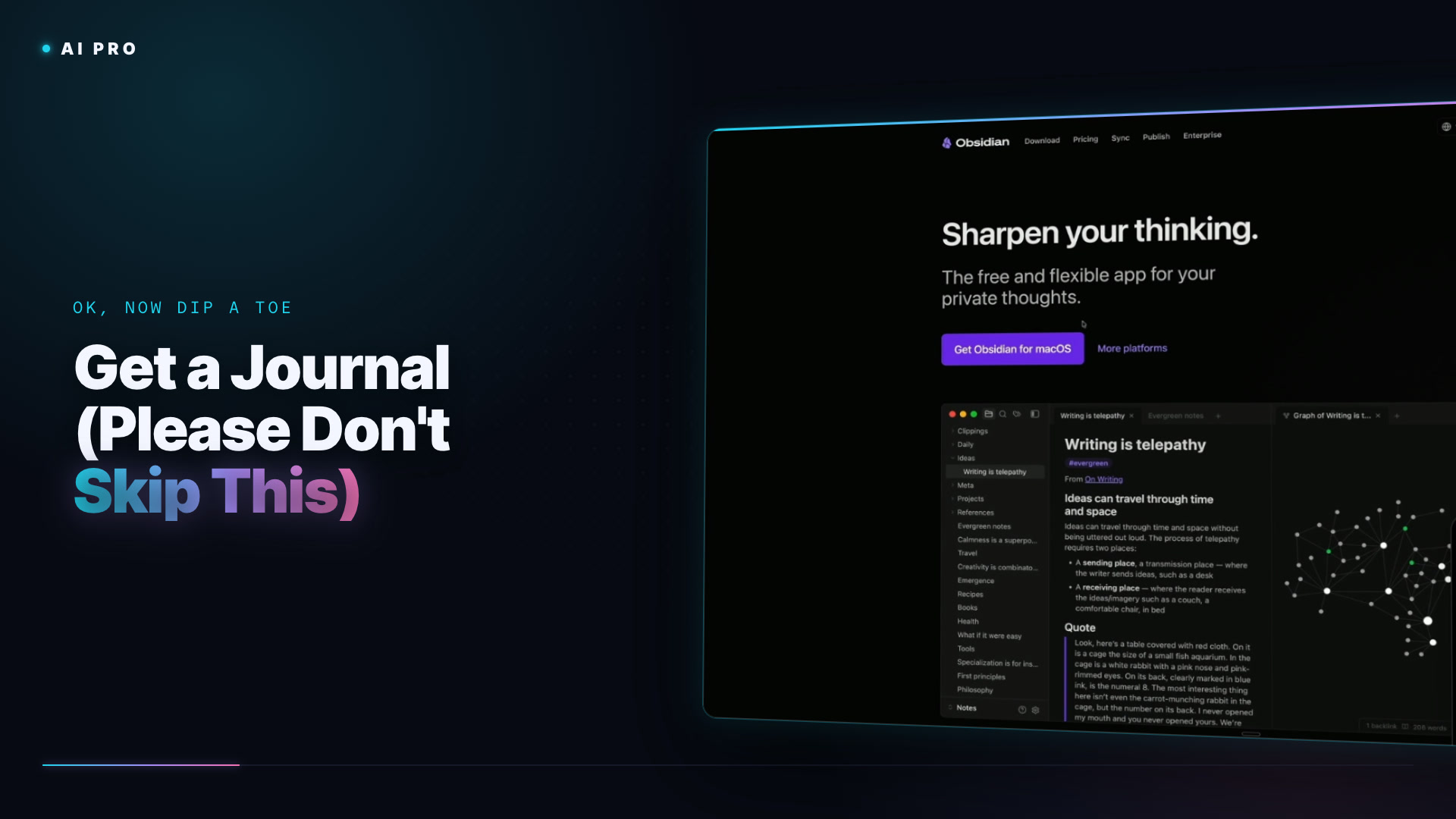
My pick, by a wide margin, is Obsidian. It's free, literally free, and you can sync with Dropbox, iCloud or whatever you like. I pay for their sync plan because it's faster and more reliable, and because I want to support them. This is where you'll track what you're learning and what you're thinking, and it's where we'll put the skills we build with Claude Code as we go, right into the vault.
If you want alternatives, I use NotePlan every day for productivity. It's Apple-only, bonkers good, with a calendar, notes, task management and a daily, weekly, monthly, quarterly, yearly rhythm that feels like a bullet journal. If you're an Apple person, the built-in Journal app is great for the more mindful side of this: writing down what you learned, how you feel about it, and maybe noticing that you're starting to see AI as an opportunity instead of dread. And Craft is multi-platform and ships with a built-in MCP server. It looks stellar, though I find the editor a little slow.
Whichever you choose, the goal is to get what's in your head out onto a writing surface. If you already have a note-taking app, use it. Just make sure you have something, and give yourself room to reflect on this journey as you go, feelings, anxieties and excitement included.
No prompts in this one.
A complete course for developers who are serious about making AI part of how they actually work.